

Bedbugs and computers: How to decontaminate your equipment?
Contents
A customer called me last week, completely panicked. He had opened his desktop PC to clean the fans and found bedbugs inside the case. Alive. With eggs stuck to the motherboard. His first instinct was to grab a can of insecticide. Fortunately, he had the good sense to call us before ruining 1,500 euros worth of equipment.
Things to remember
-
More than just an observation, this expert guide proposes a safe technical methodology for decontaminating high-tech devices without damaging them.
-
We combine expertise in Brussels pest control with advice on hardware preservation to offer PC and console owners a calm and effective solution.
-
Understanding why bedbugs settle in PCs and consoles
-
Steps to detect and isolate your electronic devices
This is not an isolated case. We regularly intervene in Brussels at the homes of private individuals and teleworkers who discover a bedbug in their laptop, games console or even television. The problem is that nobody thinks to check their electronic devices during an infestation. We treat the mattress, box spring and baseboards, and forget about the PC running eight hours a day on the bedroom desk. The result: the infestation returns a few weeks later, and we can't understand why.
I've written this guide to give you a clear, step-by-step method for decontaminating your equipment without damaging it. No miraculous recipes found on a forum, but techniques we use in the field, adapted to sensitive computer equipment.
Understanding why bedbugs settle in PCs and consoles
When people ask me if bedbugs really go into computers, my answer is always the same: they do, and they like it there. To understand why, you have to think like a bedbug. What they're looking for is simple: a dark, narrow place, close to their meal (you), and if possible a little warm. A PC case ticks all the boxes.
Component heat is the first factor. Processors, graphics cards and power supplies all generate heat, even in standby mode. We're talking about 30 to 40°C inside a case at rest. For a bedbug, this is an ideal temperature, close to that of the human body. Game consoles, Internet boxes, laptop chargers: the same logic applies. Any device that heats up becomes a potential refuge.
The second factor is darkness. The inside of a PC is a perfect dark hiding place. Bedbugs are lucifuges, they flee from light. The nooks and crannies of a case, the gaps between components, the space behind a laptop screen, the ventilation slots of a PlayStation or Xbox: these are all hiding places where they can slip in undisturbed for weeks on end.
Third point, and this one is often overlooked: proximity to the host. Is your desktop PC in the bedroom? Is your laptop on your bed at night? Is your console two meters from the sofa where you sometimes sleep? Bedbugs never travel far from their food source. They stay within a few meters of where you sleep or rest for long periods. An electronic device placed in this area becomes a natural candidate for infestation.
What makes electronic infestation particularly vicious is that you don't think to look there. You turn the mattress over, inspect the seams and shine a flashlight on the baseboards. The PC? Never. Bedbugs know this, well, let's just say that evolution has served them well: they instinctively choose places where you won't disturb them. A computer case that's never opened is the equivalent of a safe for them.
I've seen infestations of computer equipment where dozens of bedbugs had settled in the fans, between the fins of the processor radiator, under the plastic covers. Eggs stuck to cable mats. Droppings (those characteristic little black dots) on printed circuit boards. All without the owner suspecting a thing, because the unit was operating normally.
An important technical detail: bedbugs don't eat components. They don't gnaw on cables, they don't attack circuits. They simply use the device as a shelter. Your equipment is not in direct danger from their presence, but it will be if you use the wrong method to eliminate them.
Steps to detect and isolate your electronic devices
Before processing anything, you need to know what you're looking at. Detection is 80 % of the job. Here's how to do it, in order.
Step 1: Identify signs of infestation on and around the unit. Take a flashlight and examine the outside of your equipment. What you're looking for: small black dots (droppings), brownish or reddish marks, translucent skins (molts), or live bugs. Adult bugs measure between 4 and 7 mm, are flat, oval and reddish-brown in color. Nymphs are smaller and lighter, almost translucent. Inspect ventilation slots, USB ports, case joints and the space between the screen and keyboard on a laptop. On a console, check rear openings and ventilation grilles.
Step 2: Inspect the inside of the computer. For a desktop PC, it's easier: open the side panel. For a laptop or console, it's trickier, and I recommend you don't disassemble it yourself if you're not comfortable with it. If you do open the case, do so in a well-lit room, on a light surface (a white sheet, for example). Any pins that fall out will be visible immediately. Look around the power supply, under the cables, between the RAM bars, behind the graphics card. Eggs are tiny (about 1 mm), white, often stuck in clusters in nooks and crannies.
Step 3: Isolate the device immediately. When in doubt, isolate. The most effective method is to place the device in an airtight bag. For a laptop, a large zipped freezer bag may suffice. For a desktop PC or console, use a thick garbage bag, taped shut to keep out as much air as possible. The aim is twofold: to prevent bedbugs from leaving to recolonize other areas, and to deprive them of access to their food source. Without a blood meal, an adult bedbug can survive for several months, but nymphs die more quickly.
Be careful with a conventional trap: don't move the infested appliance from one room to another until you've isolated it in an airtight bag. Each move risks scattering bugs or eggs along the way. I've seen people take their PCs to the living room «to have a look at them» and contaminate a room that was perfectly safe.
Step 4: Document what you find. Take photos. If you call in a pest control professional in Brussels (and I highly recommend it if the infestation is confirmed), these photos will save him precious time in assessing the extent of the problem and adapting his intervention.
A question I'm often asked: is it possible for bedbugs to be found in a laptop carried to the office? Yes, and it's an underestimated vector for the spread of bedbugs. You carry your laptop in your bag, and a bedbug hidden in the screen hinge ends up at your workstation, then in a colleague's bag. That's how entire offices become infested. If you have an infestation at home, systematically inspect your laptop before taking it anywhere else.
Treatment solutions and precautions to eliminate bedbugs without damage
Here's the critical part. Dealing with bedbugs in a PC or console is not like dealing with a mattress. You have fragile electronic components, sensitive to humidity, excessive heat and chemicals. One wrong move and you lose your equipment. So, what works?
Dry heat, method number one. Bedbugs die at 48°C for 90 minutes or more. Dry heat is the most effective and safest technique for electronic equipment, provided thresholds are respected. Most computer components are designed to operate up to 70-80°C (the processor regularly reaches 60-70°C under load). So exposure to 50-55°C for a few hours poses no problem for the hardware. On the other hand, never exceed 60°C to be on the safe side, especially with lithium-ion batteries in laptops: beyond that, you risk swelling or worse.
How do you apply this heat? Professionals use heat boxes or heat tents with temperature control. At home, you can use an airtight black bag placed in a warm place (a closed car in the middle of summer in Brussels can reach 60-70°C, but this is difficult to control). The most reliable solution is to entrust the device to a Brussels pest control expert who has the right equipment. Thermal probes are used to monitor the temperature inside the unit in real time. No guesswork.
Cold treatment, an alternative. Bedbugs also die from the cold, but you need very low temperatures: -18°C for at least 4 consecutive days. A domestic freezer will do for a small device, provided it reaches this temperature (check with a thermometer). Remove the battery from the laptop before placing it in the freezer. Wrap the device in an airtight bag to avoid condensation when you take it out. It's the humidity that kills the electronics, not the cold itself. Allow the device to return to room temperature in its sealed bag before switching it on. Allow at least 24 hours for gradual temperature recovery.
What not to do. Never spray insecticide inside a device. Chemical residues are corrosive to printed circuits and contacts. Never use a steam cleaner directly on components: humidity + electronics, we know what happens. Never use a kitchen oven to heat the device: the temperature is impossible to control precisely, and microwaves (yes, some have thought of them) will instantly destroy any metal component.
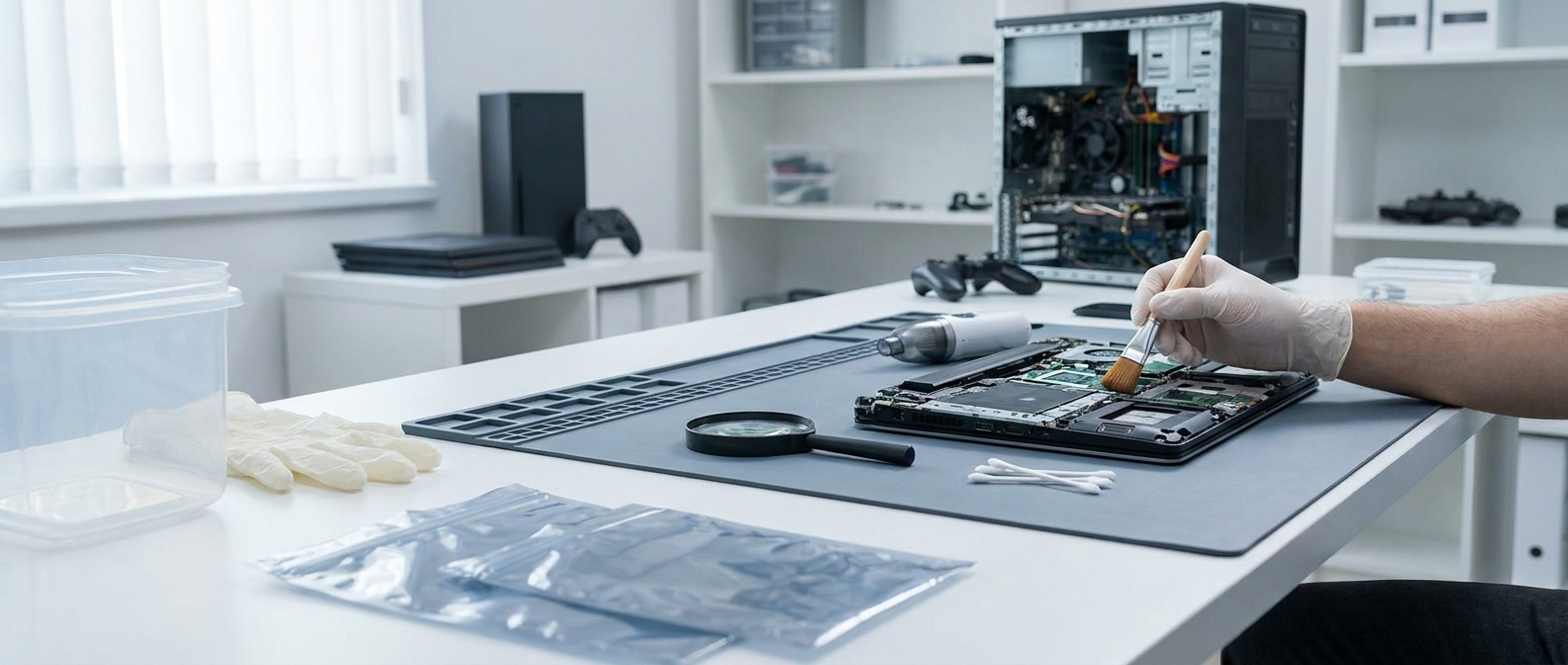
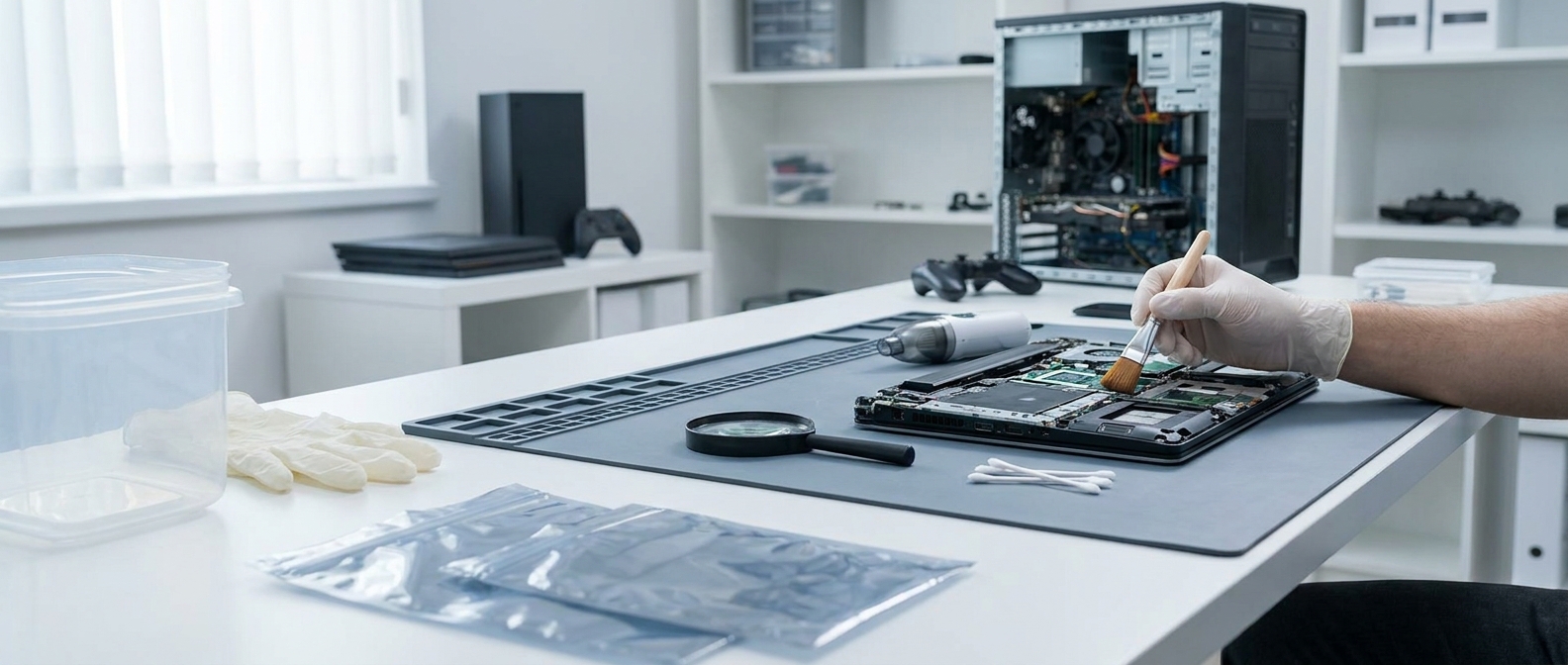
Complementary electronic cleaning. After heat treatment, compressed-air cleaning removes corpses, moults and dried eggs. Do this outdoors or in a well-ventilated area. For difficult nooks and crannies, a fine antistatic brush is your best ally. If you find traces of droppings on the circuits, a cotton swab lightly moistened with isopropyl alcohol (90 % minimum) is a safe way to clean. Isopropyl alcohol evaporates quickly and leaves no conductive residue.
When should you call a professional? If the infestation is established (several bedbugs, eggs, molting), don't be a hero. A pest control expert in Brussels will treat your entire home, including appliances, with a coordinated approach. Treating the PC without treating the bedroom is like draining the water from a boat without plugging the leak. With us, we offer a comprehensive approach: we identify all households, including computer equipment, and adapt the protocol to each type of surface and object.
For teleworkers, a practical tip: after treatment, move your workstation away from the sleeping area. If this isn't possible (studio, single room), place interceptor traps under the feet of the desk. This won't solve an infestation, but it will alert you if one returns.
Conclusion
Finding bedbugs in your computer is stressful. You're afraid for your equipment, you don't know where to start, and the advice you find online is often contradictory or dangerous. The good news is that, in the vast majority of cases, your equipment is salvageable, provided you use the right methods: controlled dry heat or cold treatment, prior insulation, appropriate electronic cleaning.
If you're in Brussels and suspect an infestation of your computer equipment, don't wait for the problem to get worse. Contact us for a rapid diagnosis. We work with both private and professional customers, and pay particular attention to sensitive equipment. Your PC already has enough problems with Windows, there's no need to add more bedbugs.
Frequently asked questions
Can bedbugs really get into a computer or console?
Yes, absolutely. Bed bugs seek out darkness, narrow gaps and the heat emitted by electronic components (PC, PlayStation, Xbox, internet box), especially if the device is located near your bed or sofa.
Can I use insecticide spray in my PC to kill bedbugs?
No, we strongly advise against it. The chemicals contained in insecticide sprays are corrosive and may cause permanent damage to the printed circuit boards and components of your computer equipment.
How can I remove bedbugs from an electronic device without damaging it?
The safest method is professionally controlled heat treatment (dry heat between 50°C and 55°C) or freezing at -18°C for at least 4 days, with the device protected from moisture in an airtight bag.
Is it possible to spread bedbugs to my office via my laptop?
Yes, the risk is real. If your home is infested, a bedbug hidden in the hinge or sleeve of your laptop can easily travel with you and contaminate your workplace or your colleagues' bags.
What should I do immediately if I suspect bedbugs in my equipment?
Immediately isolate the device in a plastic bag or rubbish bag sealed with adhesive tape to stop any leakage. Do not move the unprotected object to other rooms in your home in Brussels to avoid spreading the infestation.

 French
  English
  Dutch
Dutch